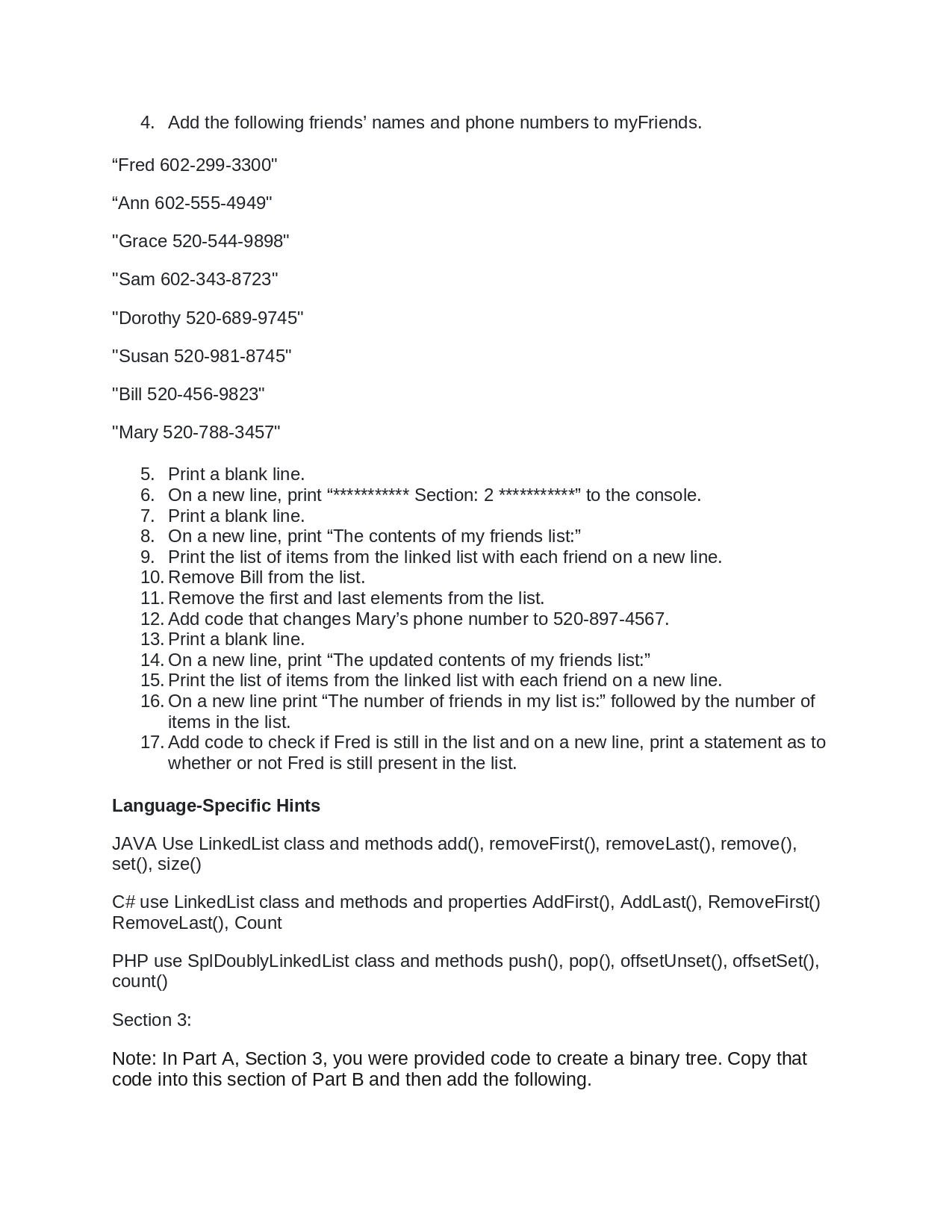
4. Add the following friends' names and phone numbers to my Friends.
"Fred 602-299-3300"
"Ann 602-555-4949"
"Grace 520-544-9898"
"Sam 602-343-8723"
"Dorothy 520-689-9745"
"Susan 520-981-8745"
"Bill 520-456-9823"
"Mary 520-788-3457"
5. Print a blank line.
6. On a new line, print "*********** Section: 2 ***********" to the console.
7. Print a blank line.
8. On a new line, print "The contents of my friends list:"
9. Print the list of items from the linked list with each friend on a new line.
10. Remove Bill from the list.
11. Remove the first and last elements from the list.
12. Add code that changes Mary's phone number to 520-897-4567.
13. Print a blank line.
14. On a new line, print "The updated contents of my friends list:"
15. Print the list of items from the linked list with each friend on a new line.
16. On a new line print "The number of friends in my list is:" followed by the number of
items in the list.
17. Add code to check if Fred is still in the list and on a new line, print a statement as to
whether or not Fred is still present in the list.
Language-Specific Hints
JAVA Use LinkedList class and methods add(), removeFirst(), remove Last(), remove(),
set(), size()
C# use LinkedList class and methods and properties AddFirst(), AddLast(), RemoveFirst()
RemoveLast(), Count
PHP use SplDoublyLinked List class and methods push(), pop(), offsetUnset(), offsetSet(),
count()
Section 3:
Note: In Part A, Section 3, you were provided code to create a binary tree. Copy that
code into this section of Part B and then add the following./n1. Add your section comment to the code.
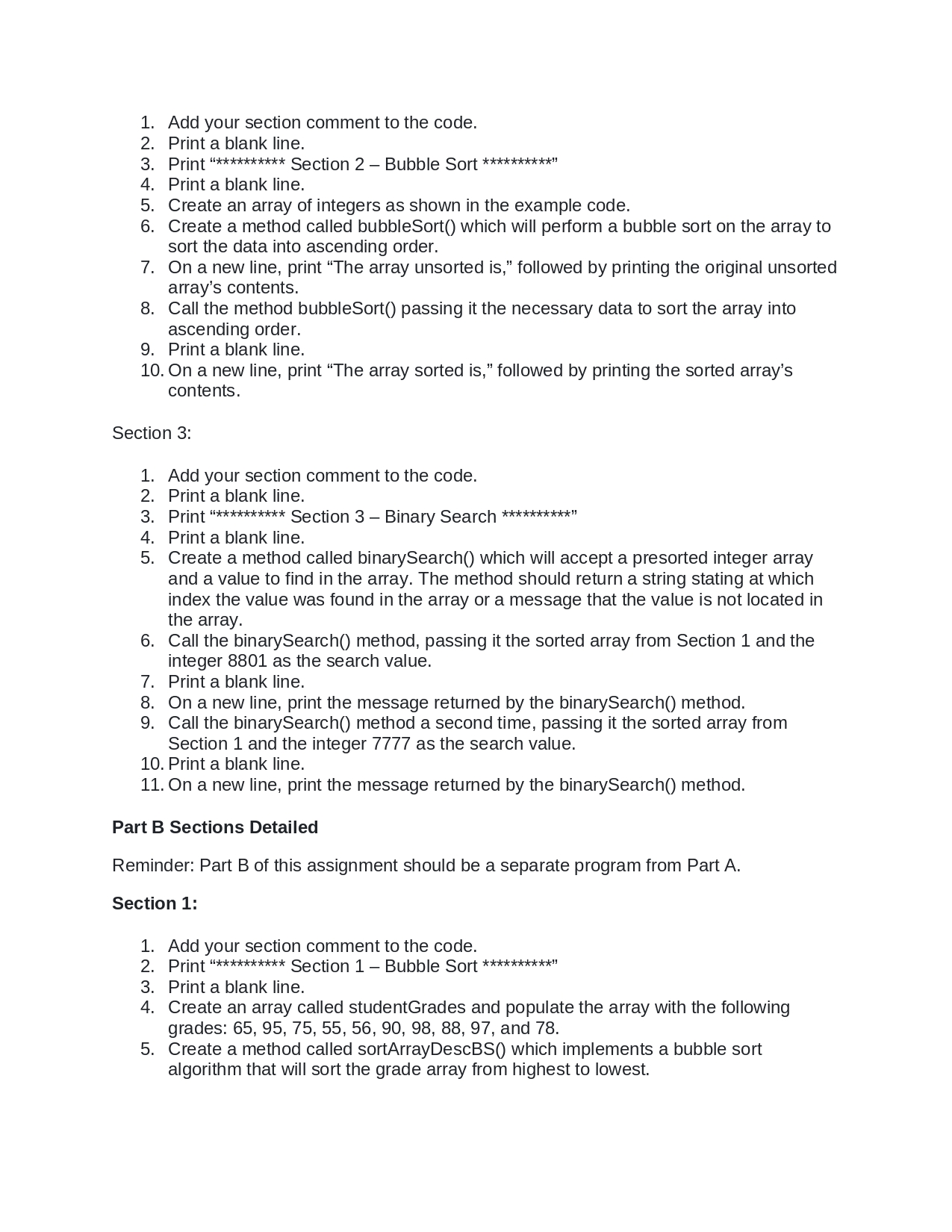
2. Print a blank line.
3. Print "********** Section 2 - Bubble Sort **********"
4. Print a blank line.
5. Create an array of integers as shown in the example code.
6.
Create a method called bubbleSort() which will perform a bubble sort on the array to
sort the data into ascending order.
7. On a new line, print "The array unsorted is," followed by printing the original unsorted
array's contents.
8.
Call the method bubbleSort() passing it the necessary data to sort the array into
ascending order.
9. Print a blank line.
10. On a new line, print "The array sorted is," followed by printing the sorted array's
contents.
Section 3:
1. Add your section comment to the code.
2. Print a blank line.
3. Print *********** Section 3 - Binary Search **********"
4. Print a blank line.
5. Create a method called binarySearch() which will accept a presorted integer array
and a value to find in the array. The method should return a string stating at which
index the value was found in the array or a message that the value is not located in
the array.
6. Call the binarySearch() method, passing it the sorted array from Section 1 and the
integer 8801 as the search value.
7. Print a blank line.
8. On a new line, print the message returned by the binarySearch() method.
9. Call the binarySearch() method a second time, passing it the sorted array from
Section 1 and the integer 7777 as the search value.
10. Print a blank line.
11. On a new line, print the message returned by the binarySearch() method.
Part B Sections Detailed
Reminder: Part B of this assignment should be a separate program from Part A.
Section 1:
1. Add your section comment to the code.
2. Print "********** Section 1- Bubble Sort **********"
3. Print a blank line.
4. Create an array called studentGrades and populate the array with the following
grades: 65, 95, 75, 55, 56, 90, 98, 88, 97, and 78.
5. Create a method called sortArrayDescBS() which implements a bubble sort
algorithm that will sort the grade array from highest to lowest./nAssignment 2
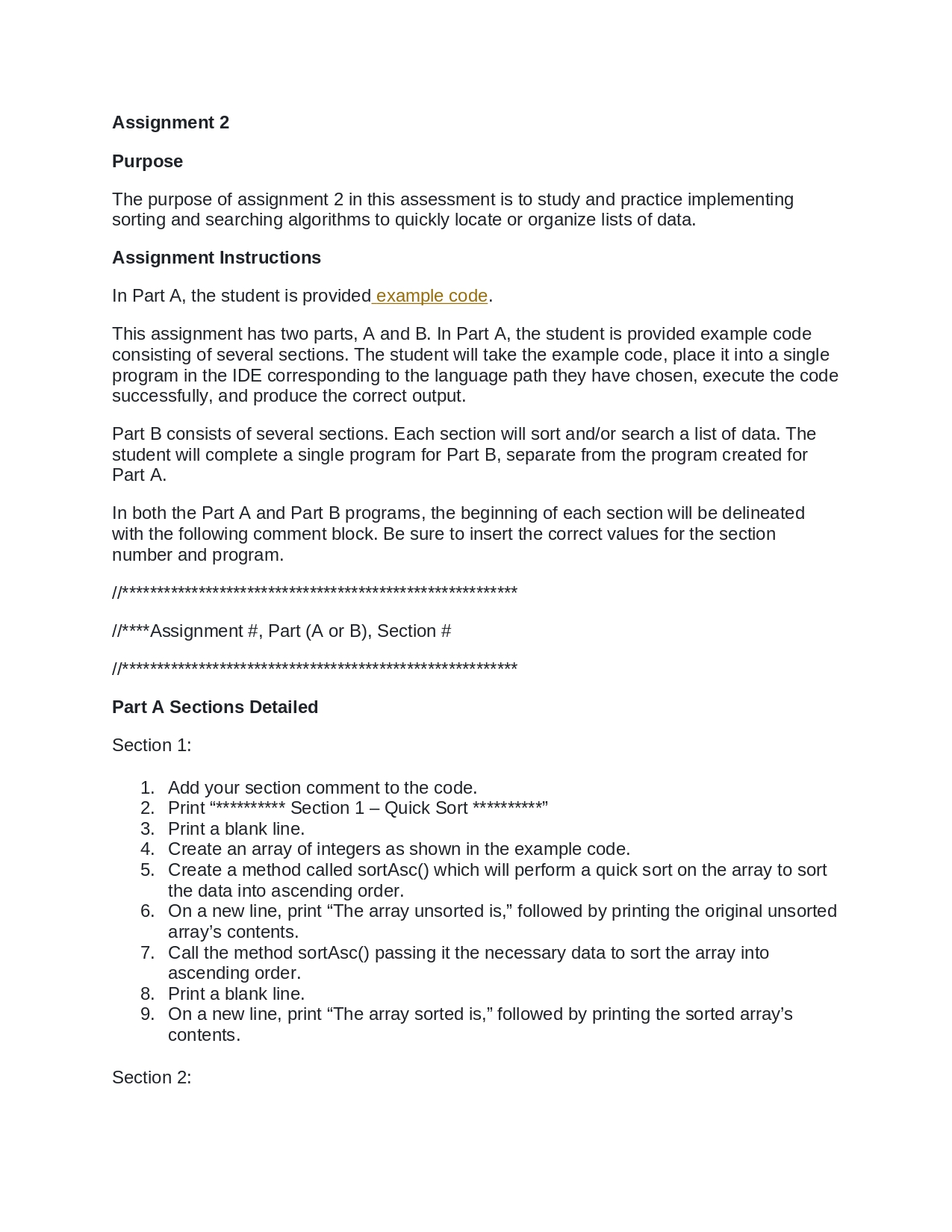
Purpose
The purpose of assignment 2 in this assessment is to study and practice implementing
sorting and searching algorithms to quickly locate or organize lists of data.
Assignment Instructions
In Part A, the student is provided example code.
This assignment has two parts, A and B. In Part A, the student is provided example code
consisting of several sections. The student will take the example code, place it into a single
program in the IDE corresponding to the language path they have chosen, execute the code
successfully, and produce the correct output.
Part B consists of several sections. Each section will sort and/or search a list of data. The
student will complete a single program for Part B, separate from the program created for
Part A.
In both the Part A and Part B programs, the beginning of each section will be delineated
with the following comment block. Be sure to insert the correct values for the section
number and program.
//*********************************************************
//**** Assignment #, Part (A or B), Section #
//*********************************************************
Part A Sections Detailed
Section 1:
1. Add your section comment to the code.
2. Print "********** Section 1 - Quick Sort **********"
3. Print a blank line.
4. Create an array of integers as shown in the example code.
5. Create a method called sortAsc() which will perform a quick sort on the array to sort
the data into ascending order.
6. On a new line, print "The array unsorted is," followed by printing the original unsorted
array's contents.
7. Call the method sortAsc() passing it the necessary data to sort the array into
ascending order.
8. Print a blank line.
9. On a new line, print "The array sorted is," followed by printing the sorted array's
contents.
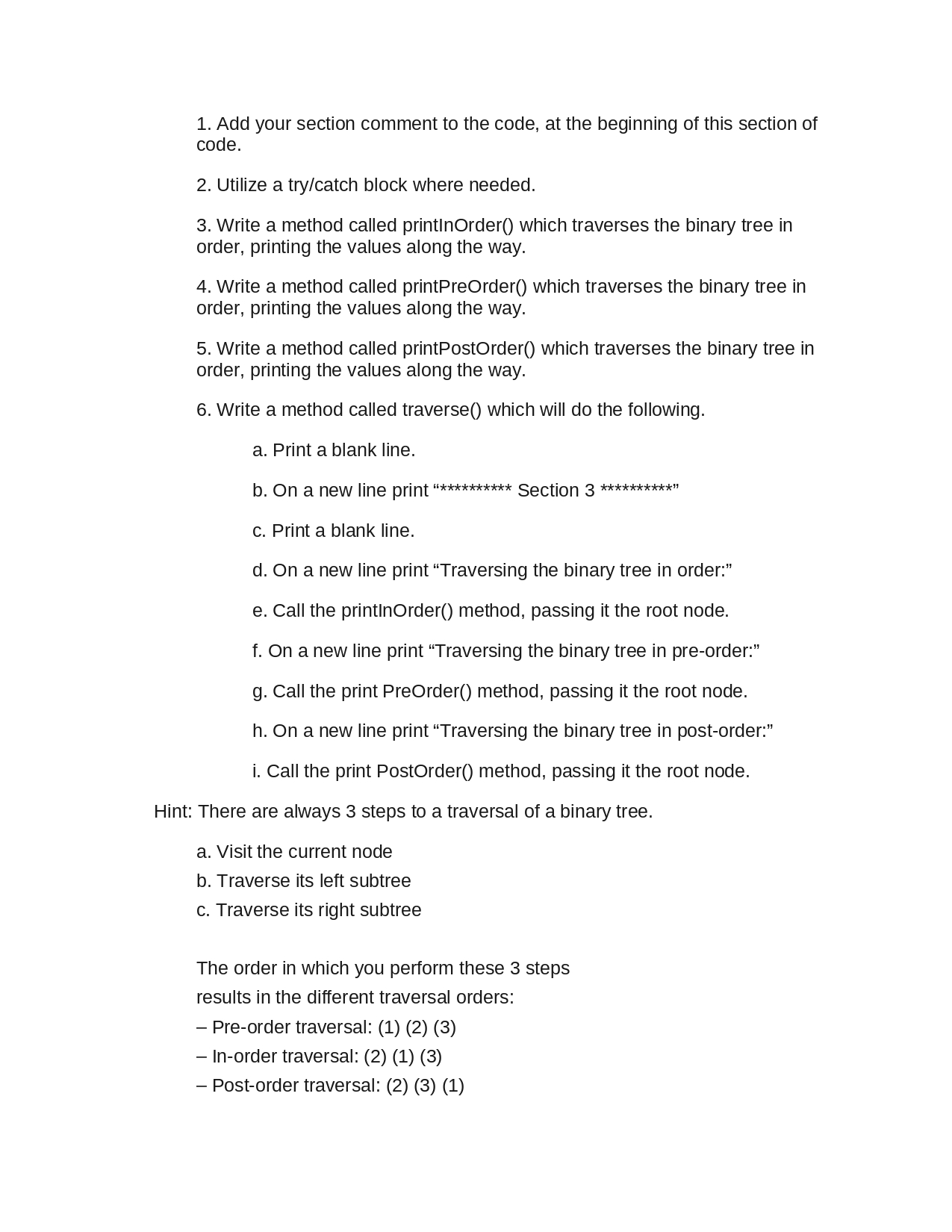
Section 2:/n1. Add your section comment to the code, at the beginning of this section of
code.
2. Utilize a try/catch block where needed.
3. Write a method called printinOrder() which traverses the binary tree in
order, printing the values along the way.
4. Write a method called printPreOrder() which traverses the binary tree in
order, printing the values along the way.
5. Write a method called printPostOrder() which traverses the binary tree in
order, printing the values along the way.
6. Write a method called traverse() which will do the following.
a. Print a blank line.
b. On a new line print ************ Section 3 **********"
c. Print a blank line.
d. On a new line print "Traversing the binary tree in order:"
e. Call the printinOrder() method, passing it the root node.
f. On a new line print "Traversing the binary tree in pre-order:"
g. Call the print PreOrder() method, passing it the root node.
h. On a new line print "Traversing the binary tree in post-order:"
i. Call the print PostOrder() method, passing it the root node.
Hint: There are always 3 steps to a traversal of a binary tree.
a. Visit the current node
b. Traverse its left subtree
c. Traverse its right subtree
The order in which you perform these 3 steps
results in the different traversal orders:
- Pre-order traversal: (1) (2) (3)
- In-order traversal: (2) (1) (3)
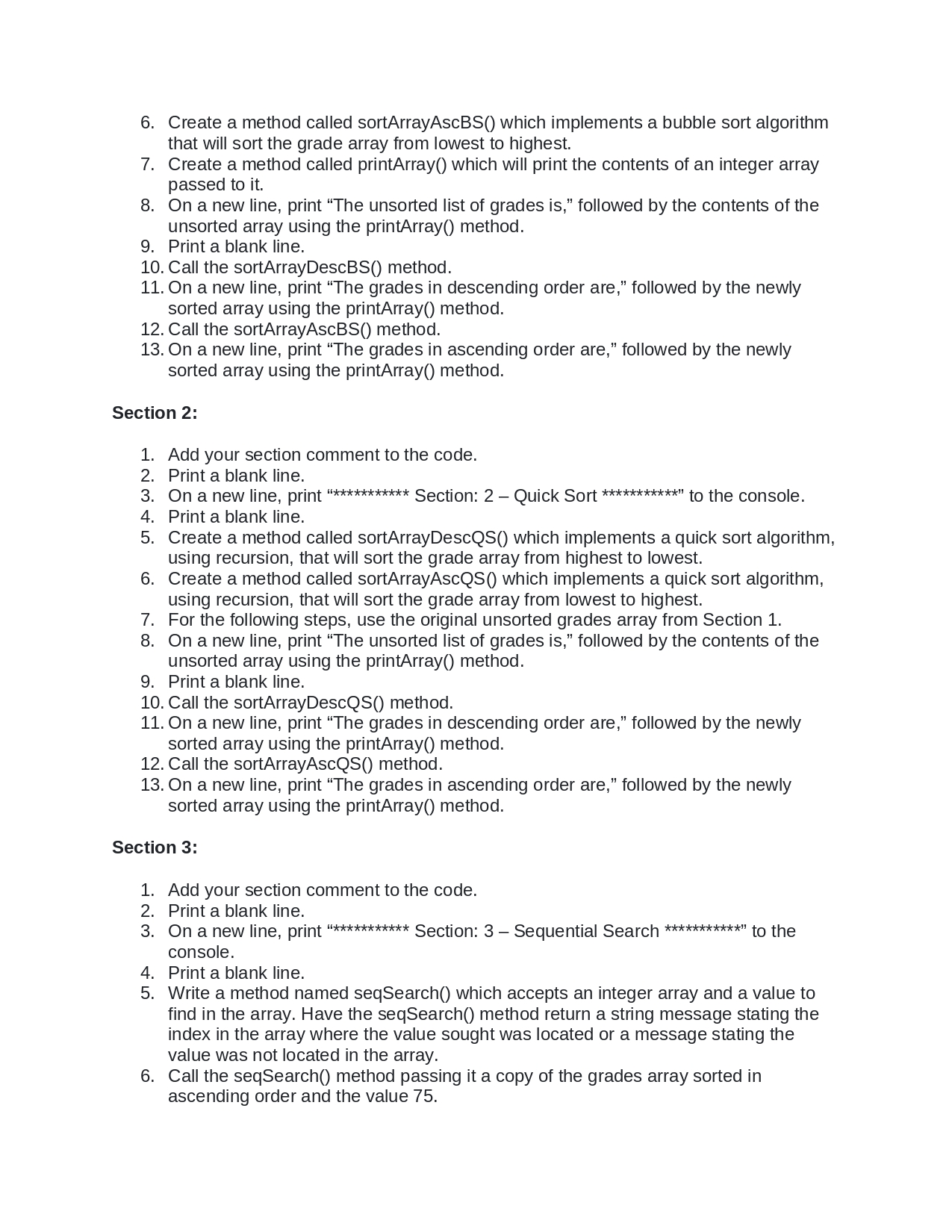
- Post-order traversal: (2) (3) (1)/n6. Create a method called sortArrayAscBS() which implements a bubble sort algorithm
that will sort the grade array from lowest to highest.
7.
8.
On a new line, print "The unsorted list of grades is," followed by the contents of the
unsorted array using the printArray() method.
9. Print a blank line.
Create a method called printArray() which will print the contents of an integer array
passed to it.
10. Call the sortArrayDescBS() method.
11. On a new line, print "The grades in descending order are," followed by the newly
sorted array using the printArray() method.
12. Call the sortArrayAscBS() method.
13. On a new line, print "The grades in ascending order are," followed by the newly
sorted array using the printArray() method.
Section 2:
1. Add your section comment to the code.
2. Print a blank line.
3. On a new line, print "*********** Section: 2 - Quick Sort ************ to the console.
4. Print a blank line.
5. Create a method called sortArrayDescQS() which implements a quick sort algorithm,
using recursion, that will sort the grade array from highest to lowest.
6. Create a method called sortArrayAscQS() which implements a quick sort algorithm,
using recursion, that will sort the grade array from lowest to highest.
7. For the following steps, use the original unsorted grades array from Section 1.
8. On a new line, print "The unsorted list of grades is," followed by the contents of the
unsorted array using the printArray() method.
9. Print a blank line.
10. Call the sortArrayDescQS() method.
11. On a new line, print "The grades in descending order are," followed by the newly
sorted array using the printArray() method.
12. Call the sortArrayAscQS() method.
13. On a new line, print "The grades in ascending order are," followed by the newly
sorted array using the printArray() method.
Section 3:
1. Add your section comment to the code.
2. Print a blank line.
3. On a new line, print "*********** Section: 3 - Sequential Search ***********" to the
console.
4. Print a blank line.
5. Write a method named seqSearch() which accepts an integer array and a value to
find in the array. Have the seqSearch() method return a string message stating the
index in the array where the value sought was located or a message stating the
value was not located in the array.
6. Call the seqSearch() method passing it a copy of the grades array sorted in
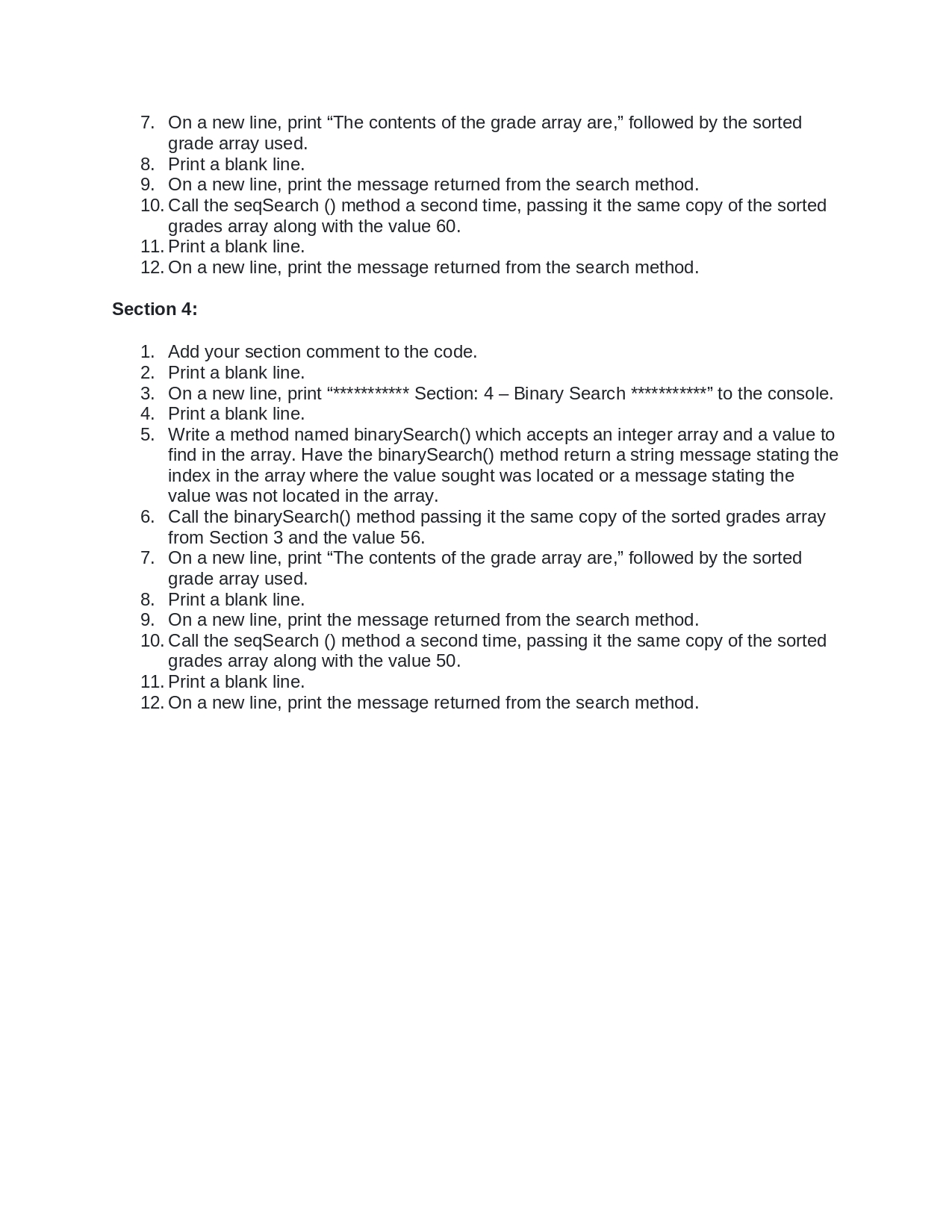
ascending order and the value 75./n7. On a new line, print "The contents of the grade array are," followed by the sorted
grade array used.
8. Print a blank line.
9. On a new line, print the message returned from the search method.
10. Call the seqSearch () method a second time, passing it the same copy of the sorted
grades array along with the value 60.
11. Print a blank line.
12. On a new line, print the message returned from the search method.
Section 4:
1. Add your section comment to the code.
2. Print a blank line.
3. On a new line, print "*********** Section: 4 - Binary Search ************ to the console.
4. Print a blank line.
5. Write a method named binarySearch() which accepts an integer array and a value to
find in the array. Have the binarySearch() method return a string message stating the
index in the array where the value sought was located or a message stating the
value was not located in the array.
6.
Call the binarySearch() method passing it the same copy of the sorted grades array
from Section 3 and the value 56.
7. On a new line, print "The contents of the grade array are," followed by the sorted
grade array used.
8. Print a blank line.
9. On a new line, print the message returned from the search method.
10. Call the seqSearch () method a second time, passing it the same copy of the sorted
grades array along with the value 50.
11. Print a blank line.
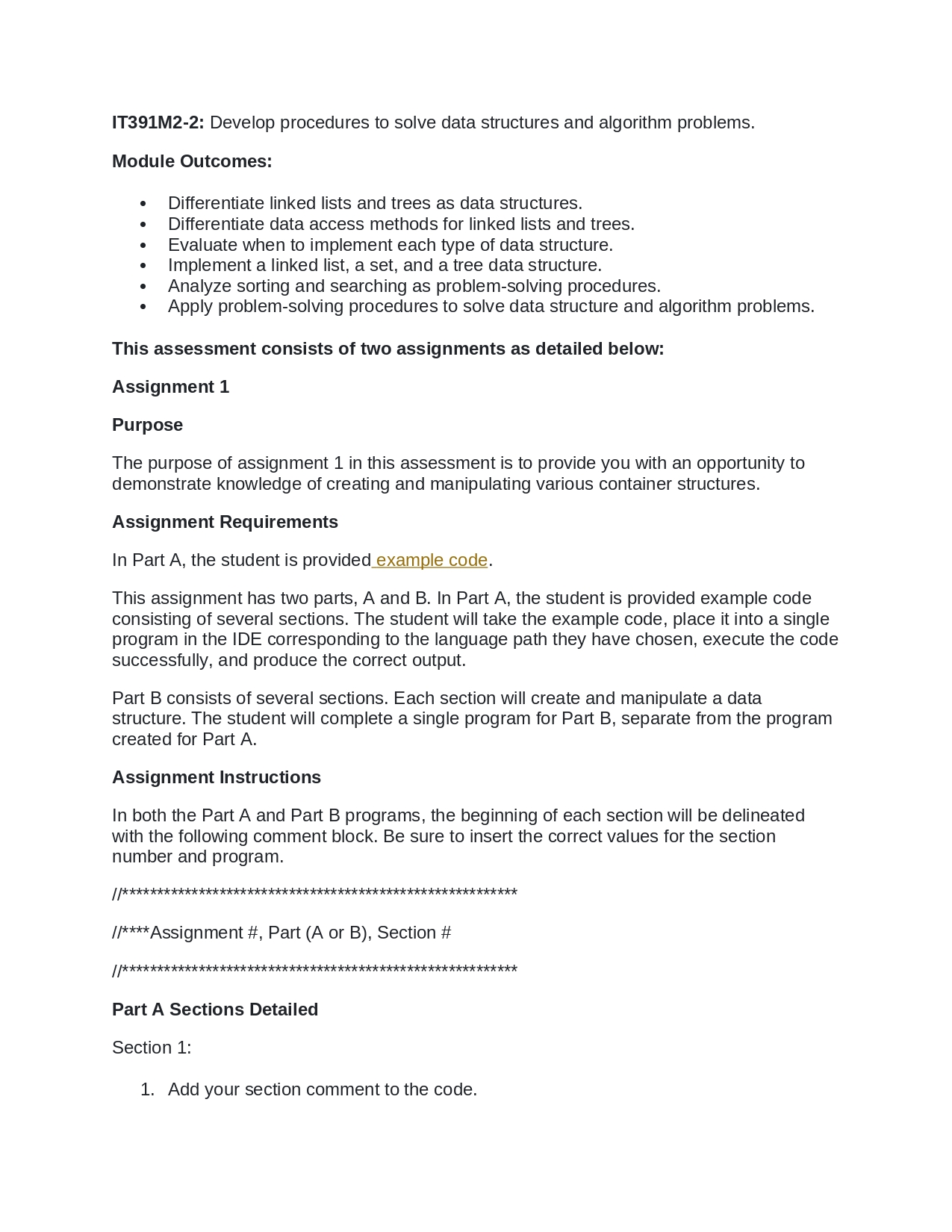
12. On a new line, print the message returned from the search method./nIT391M2-2: Develop procedures to solve data structures and algorithm problems.
Module Outcomes:
●
●
Differentiate linked lists and trees as data structures.
Differentiate data access methods for linked lists and trees.
Evaluate when to implement each type of data structure.
Implement a linked list, a set, and a tree data structure.
●
Analyze sorting and searching as problem-solving procedures.
Apply problem-solving procedures to solve data structure and algorithm problems.
This assessment consists of two assignments as detailed below:
Assignment 1
Purpose
The purpose of assignment 1 in this assessment is to provide you with an opportunity to
demonstrate knowledge of creating and manipulating various container structures.
Assignment Requirements
In Part A, the student is provided example code.
This assignment has two parts, A and B. In Part A, the student is provided example code
consisting of several sections. The student will take the example code, place it into a single
program in the IDE corresponding to the language path they have chosen, execute the code
successfully, and produce the correct output.
Part B consists of several sections. Each section will create and manipulate a data
structure. The student will complete a single program for Part B, separate from the program
created for Part A.
Assignment Instructions
In both the Part A and Part B programs, the beginning of each section will be delineated
with the following comment block. Be sure to insert the correct values for the section
number and program.
//**************
***********
****************
//**** Assignment #, Part (A or B), Section #
//*********************************************************
Part A Sections Detailed
Section 1:
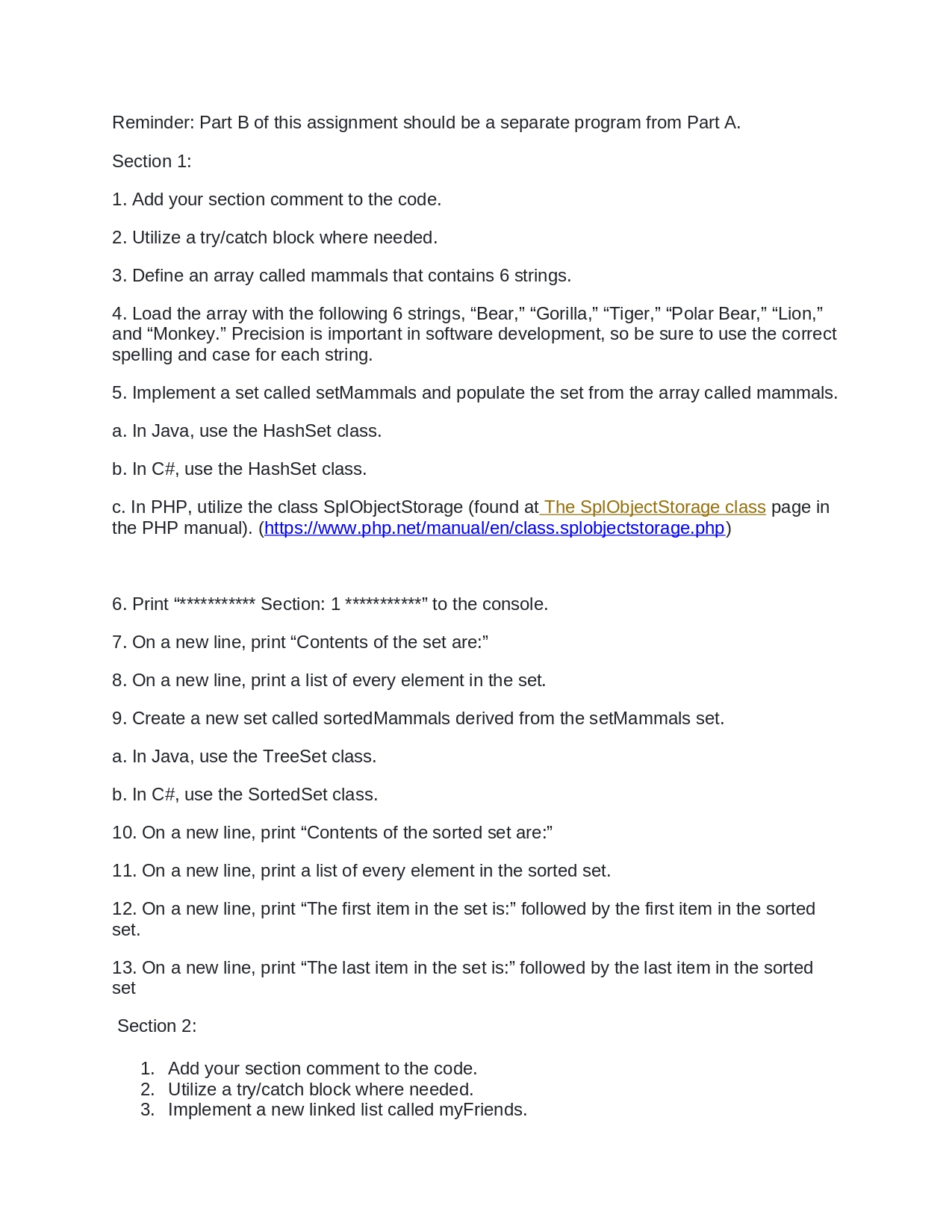
1. Add your section comment to the code./nReminder: Part B of this assignment should be a separate program from Part A.
Section 1:
1. Add your section comment to the code.
2. Utilize a try/catch block where needed.
3. Define an array called mammals that contains 6 strings.
4. Load the array with the following 6 strings, "Bear," "Gorilla," "Tiger," "Polar Bear,” “Lion,'
and "Monkey." Precision is important in software development, so be sure to use the correct
spelling and case for each string.
5. Implement a set called setMammals and populate the set from the array called mammals.
a. In Java, use the HashSet class.
b. In C#, use the HashSet class.
c. In PHP, utilize the class SplObjectStorage (found at The SplObjectStorage class page in
the PHP manual). (https://www.php.net/manual/en/class.splobjectstorage.php)
6. Print ************ Section: 1 ***********" to the console.
7. On a new line, print "Contents of the set are:"
8. On a new line, print a list of every element in the set.
9. Create a new set called sorted Mammals derived from the setMammals set.
a. In Java, use the TreeSet class.
b. In C#, use the Sorted Set class.
10. On a new line, print "Contents of the sorted set are:"
11. On a new line, print a list of every element in the sorted set.
12. On a new line, print "The first item in the set is:" followed by the first item in the sorted
set.
13. On a new line, print "The last item in the set is:" followed by the last item in the sorted
set
Section 2:
1. Add your section comment to the code.
2. Utilize a try/catch block where needed.
3. Implement a new linked list called myFriends./n2. Create a string array and fill it with the profession names given in the provided code
example.
3. Create a set and load it from the array.
4. Create a sorted set and load it from the first set.
5. On a new line print "*********** Section: 1 ***********"
6. On a new line, print "Original List:" to the console.
7. On a new line, print the contents of the unsorted set.
8. On a new line, print "Sorted List:" to the console.
9. On a new line, print the contents of the sorted list.
Section 2:
1. Add your section comment to the code.
2. Create a linked list structure named 'books' and load it with the titles and in the same
order as the example code provided.
3. Print a blank line.
4. On a new line print "*********** Section: 2 ************
5. On a new line, print "Original Book List:"
6. On a new line, print the contents of the linked list.
7. Sort the linked list alphabetically.
8. On a new line, print "Sorted Book List:"
9. On a new line, print the contents of the linked list.
10. Remove the second item from the list.
11. Sort the list then remove the first and last elements from the list.
12. Remove the last item from the list.
13. On a new line, print "Book List After Deletions:"
14. On a new line, print the contents of the linked list.
15. On a new line, print "The number of items in my book list is:" followed by the total
number of items in the list.
16. Determine if the title, "Brave New World," can be found in the list and print on a new
line whether it exists in the current list.
Section 3:
1. Add your section comment to the code.
2. Create a class called Node which can represent a node in a binary tree.
3. Create a BinaryTree class.
4. Add an insert method to the BinaryTree class to insert new values.
5. Add a traverse method to the Binary Tree class to traverse the tree in order and print
each node's value.
6. Define a new instance of BinaryTree called myBinary Tree.
7. Use the insert method to add the following values, 50, 30, 45,12, 29.
8. Print a blank line.
9. On a new line print "*********** Section 3 ************
10. On a new line, print to the console, "The contents of the binary tree are:"
11. Use the traverse method to print the contents of the binary tree.
Part B Sections Detailed